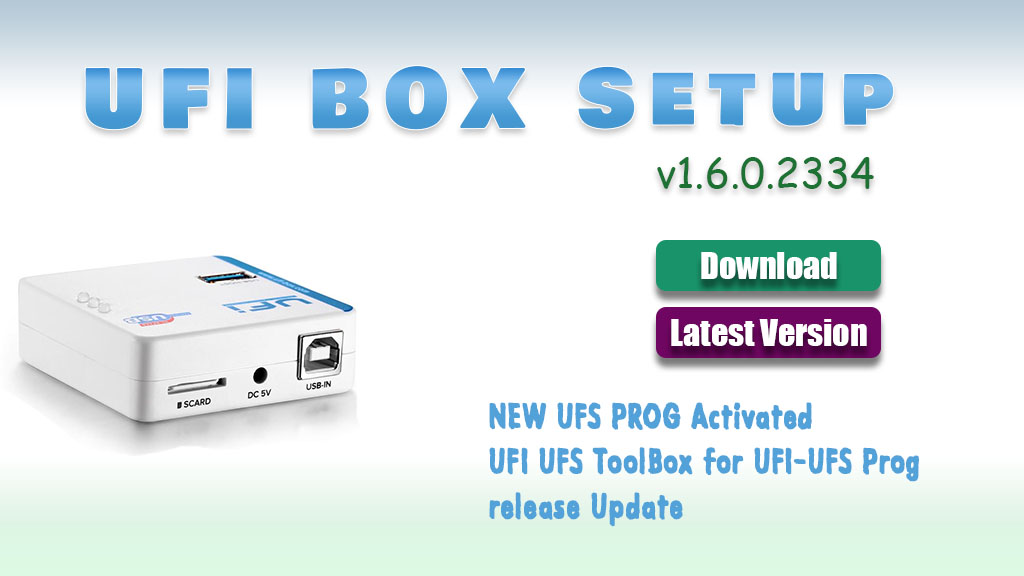
UFI (Universal Flashing Interface) Software Update latest version 1.6.0.2334setup. How to install and use UFI to repair dead boots and flashing. UFI is the top-rated Box as EMMC Service Tool and the Team is strong to keep this tool always updated.
You can Detect/ Get info directly from eMMC by using EMMC Socket or by ISP Pinout. You can format / Reset Locks / Resize Partitions / Dead boot repair and unbrick any type of smartphone.
UFi Box is a powerful EMMC Service Tool that can Read EMMC user data, as well as repair, resize, format, erase, read write and update firmware on EMMC in Samsung, china phone SK Hynix, Toshiba, Kingston, micron, and other brands.
ufi box setup install ufi box setup latest version gsm forum ufi box support ufi box old setup ufi latest setup 2021 download ufi box latest setup martview ufi box driver
Code: General changes: BUGFIX: Revised Dark Mode UI support BUGFIX: Minor bugfixes and improvements
Code: eMMC ToolBox changes: ADD: Special Task in Programming Tab – Update eMMC5x Firmware Firmware update method for all eMMC 5.x – Secure Wipe(TRIM, Sanitize) – [moviNAND] eMMC Full Reset (Reset RPMB, ECC error, Factory Reset) – [moviNAND] Force boot mode (erase firmware) ADD: BOOT_SIZE entry on EMMC PARTITIONING tab (For Micron eMMC) BUGFIX: Revised eMMC Fw routine BUGFIX: Minor bugfixes and improvements
Code: UFS ToolBox changes: Requires UFI UFS-PROG with firmware version 01.34
Basic features: To work with UFS ToolBox, UFI Box is required for security UFS ToolBox license for UFI Box need to be activated once Activation process requires UFI UFS-PROG to be connected together with UFI Box Support LS(PWM Gear 1-4) and HS Gear 1-3B Currently support up-to UFS2.2 Direct(ISP) method work in PWM Gear 1-4 Support for UFS CONFIGURATION (Provisioning) Basic Wipe, Erase, Read and Write LUN and user partition ADD: UFS ToolBox activation routine ADD: UFI UFS-PROG Firmware update routine ADD: Special Task (Partially implemented) ADD: Raw LUN and User partition function implemented in PROGRAMMING tab ADD: FACTORY IMAGE functions revised to work with UFS device [ICODE][CODE] Android ToolBox changes: ADD: Recent model selection ADD: Model list sort improved BUGFIX: Improved bypass security routine for MediaTek BUGFIX: Minor bugfixes and improvements
UFI Software Update v.1.4.0.1779 Released
General changes:
ADD: Compatibility support for Windows 11 (Build 22000.120) 21H2(Preview)
ADD: Dark mode UI support (Check “Theme” in Settings)
BUGFIX: Improved preloader parse Storage Id routine
If You have another version installed already then just download v1.6.0.2334 and Extract to UFI folder. otherwise First Install v1.6.0.2333 and then Extract v1.6.0.2334 to UFI Folder.
File size
File size
UFI Software Setup v1.6.0.2333
File Size: 283 MB
File size
UFI UFS ISP Package
Just Download and Extract it to UFI Folder
File size
0 thoughts on “Download UFI Box/Dongle Setup v1.6.0.2334 [Latest Version]”
Great post! I appreciate the detailed instructions for the UFI Box setup. I’ve been looking for the latest version and your guide makes it easy to follow. Thanks for sharing!
Thanks for sharing this update! I’ve been looking for the latest version of UFI Box setup and it’s great to see it available here. Can’t wait to try out the new features!
Great post! Thanks for sharing the latest UFI Box setup version. The step-by-step instructions made the installation process much easier. Looking forward to more updates on flashing tools!

Great post! I appreciate the detailed instructions for the UFI Box setup. I’ve been looking for the latest version and your guide makes it easy to follow. Thanks for sharing!
Great post! The UFI Box setup looks promising. I’m excited to try out the new features in version 1.6.0.2334. Thanks for the detailed instructions!
Thanks for sharing this update! I’ve been looking for the latest version of UFI Box setup and it’s great to see it available here. Can’t wait to try out the new features!
Great post! Thanks for sharing the latest UFI Box setup version. The step-by-step instructions made the installation process much easier. Looking forward to more updates on flashing tools!